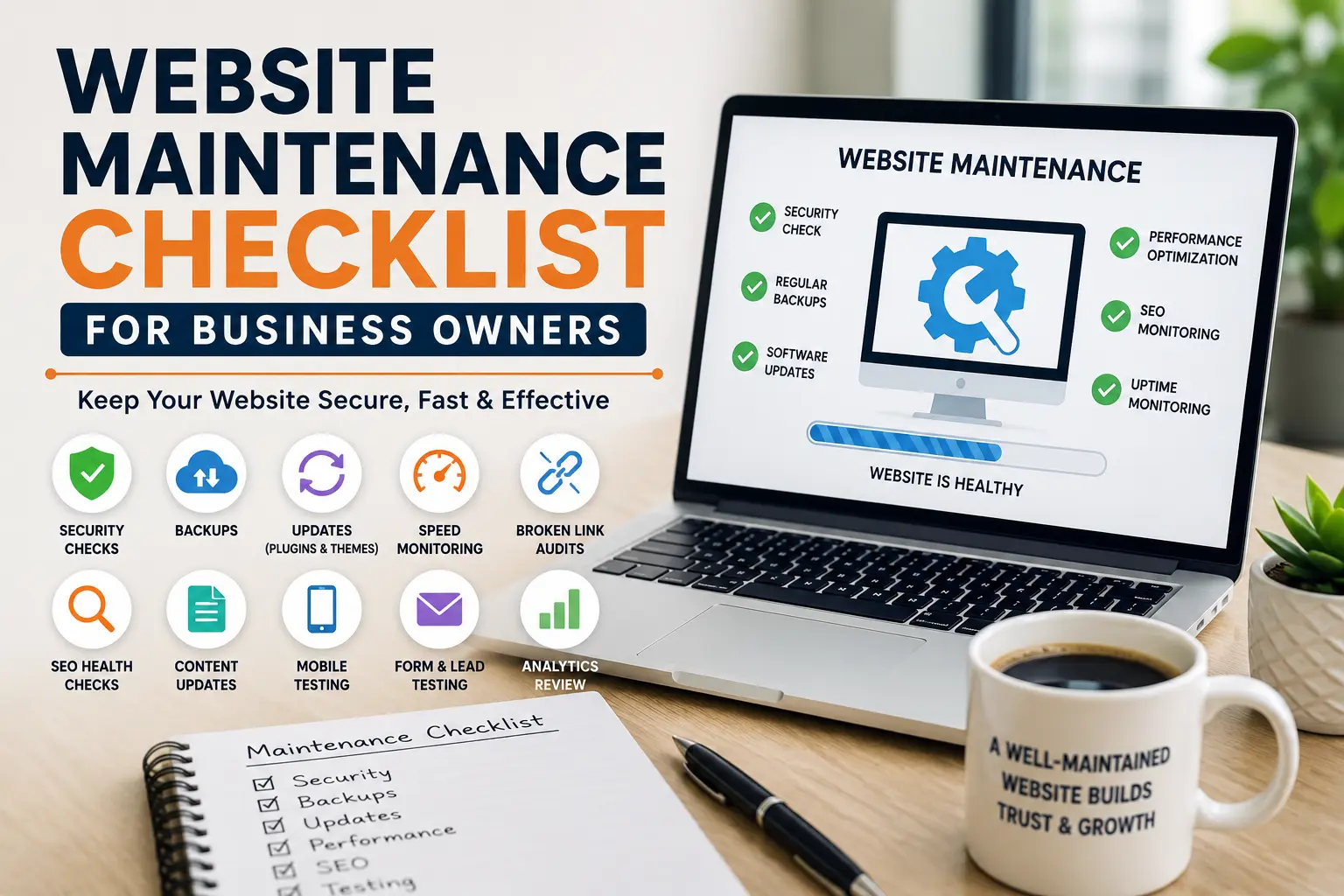
Website Maintenance Checklist for Business Owners
A practical guide to keeping your website secure, fast, updated, and working properly throughout the year.

Table of Contents
The Part Most Businesses Forget After Launching a Website
When a new website goes live, there is usually a sense of accomplishment. The design is complete, the pages are published, and everything appears to be working perfectly.
For many business owners, that is where the attention ends.
The website becomes something that quietly runs in the background while the focus shifts to customers, sales, and daily operations.
Months later, small issues begin to appear. Pages load slower than before. Contact forms stop sending inquiries. Search visibility declines. Security warnings show up unexpectedly.
Most website problems do not appear overnight. They build gradually over time, which is why ongoing maintenance is so important.
Check Website Security Regularly
Security should never be treated as a one-time setup task.
New vulnerabilities are discovered every year, and outdated websites are often the easiest targets.
- Verify SSL certificates
- Review administrator accounts
- Monitor login activity
- Scan for malware
- Update security plugins
Small security improvements today can prevent major problems later.
Don’t Assume Backups Are Working
Many website owners install a backup plugin and never think about it again.
However, a backup is only useful if it can actually be restored when needed.
- Verify backups are running successfully
- Store backups in a separate location
- Test restoration procedures periodically
- Keep multiple backup versions available
A reliable backup strategy provides peace of mind when unexpected issues occur.
Keep Plugins and Themes Updated
WordPress websites depend on themes and plugins that are constantly evolving.
Updates often include:
- Security fixes
- Performance improvements
- Bug corrections
- Compatibility updates
Pay Attention to Website Speed
Website speed affects user experience, search rankings, and conversion rates.
Visitors expect pages to load quickly. If your website feels slow, many users will leave before interacting with your content.
| Common Issue | Recommended Solution |
|---|---|
| Large Images | Compress and optimize files |
| Poor Hosting | Upgrade hosting provider |
| Too Many Plugins | Remove unnecessary plugins |
Test Contact Forms
Contact forms are often one of the most important lead generation tools on a website.
Unfortunately, forms can stop working due to plugin conflicts, email delivery issues, or server changes.
- Submit a test inquiry
- Verify email notifications
- Check spam folders
- Review form integrations
Missing inquiries means missing business opportunities.
Review Your Content Periodically
Content can become outdated faster than many businesses realize.
Regular content reviews help maintain accuracy and credibility.
- Update old statistics
- Refresh service descriptions
- Check pricing information
- Fix outdated links
- Improve underperforming pages
Monthly Website Maintenance Routine
- Verify website backups
- Install plugin and theme updates. Review website security
- Test contact forms
- Check website speed
- Review mobile responsiveness
- Monitor analytics data
- Fix broken links
- Update outdated content
- Review SEO performance
Need Professional Website Maintenance?
Keep your website secure, updated, optimized, and performing at its best with professional website maintenance services.