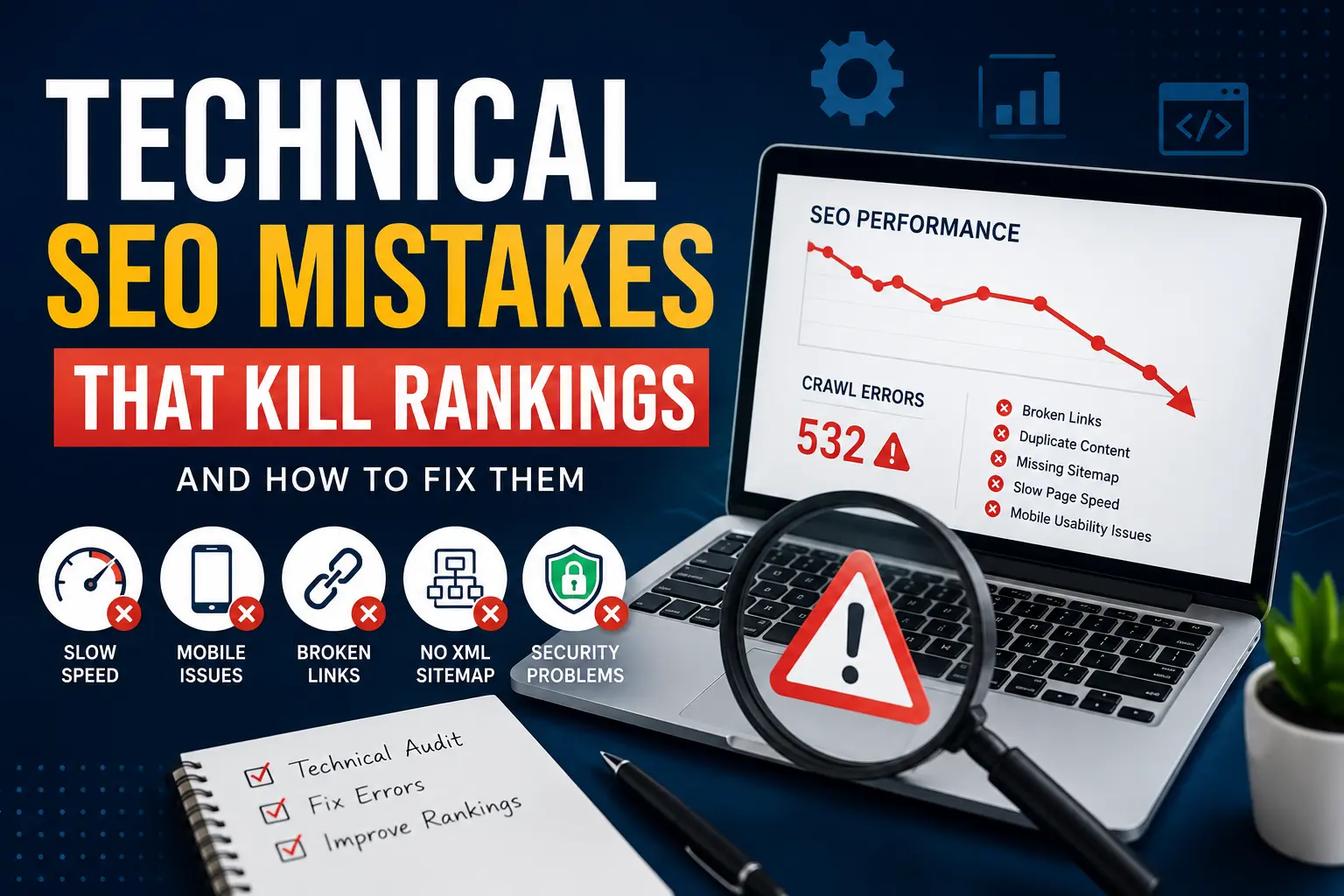
Technical SEO Mistakes That Kill Rankings (And How to Fix Them
Discover the hidden technical SEO issues that can prevent your website from ranking and learn practical ways to fix them
1. Slow Website Speed
Website speed directly affects user experience and search visibility. Visitors rarely wait for slow pages to load, and search engines consider performance when evaluating websites.
- Unoptimized images
- Too many plugins
- Poor hosting
- Heavy JavaScript files
2. Ignoring Mobile Users
Most website traffic now comes from smartphones. If your website isn’t mobile-friendly, rankings and conversions may suffer.
- Small text sizes
- Broken layouts
- Slow mobile loading times
- Poor navigation
3. Broken Internal Links
Internal links help search engines discover important pages. Broken links create a poor user experience and waste crawl budget.
Regularly check for 404 errors and update outdated URLs.
4. Missing XML Sitemaps
XML sitemaps act as a roadmap for search engines. They help search engines discover and crawl your content more efficiently.
Every website should have a properly generated sitemap submitted to Google Search Console.
5. Problems With Robots.txt
A single mistake in your robots.txt file can accidentally block important pages from being craw
6. Duplicate Content Issues
Duplicate content can confuse search engines and dilute ranking signals.
- Product filters
- URL variations
- Category archives
- Copied content blocks
7. Missing Canonical Tags
Canonical tags tell search engines which version of a page should be indexed.
They are especially important for eCommerce and large websites with multiple URL variations.
8. Crawl Errors and Indexing Problems
Some pages may exist on your website but never appear in Google due to crawl errors or indexing issues.
- Server errors
- Noindex tags
- Redirect chains
- Blocked resources
9. Poor URL Structure
Clean URLs are easier for users and search engines to understand.
| Poor URL | SEO-Friendly URL |
|---|---|
| /page?id=123 | /technical-seo-checklist |
10. Missing Structured Data
Schema markup helps search engines understand content better and may improve search result visibility through rich snippets.
- FAQ Schema
- Article Schema
- Review Schema
- Organization Schema
11. Security and HTTPS Problems
Secure websites build trust and meet modern search engine expectations.
Ensure your SSL certificate is active and all website resources load through HTTPS.
12. Oversized Images
Large image files can dramatically slow website performance, especially on mobile devices.
Use modern formats such as WebP and compress images before uploading.
Why Technical Audits Matter
Technical SEO issues often accumulate gradually. Regular audits help identify hidden problems before they affect rankings and traffic.
Technical SEO Checklist
- ✓ Website Speed Optimization
- ✓ Mobile-Friendly Design
- ✓ XML Sitemap
- ✓ Robots.txt Review
- ✓ HTTPS Security
- ✓ Canonical Tags
- ✓ Structured Data
- ✓ Crawl Error Monitoring
- ✓ Broken Link Checks
- ✓ Image Optimization
Need a Professional Technical SEO Audit?
We help businesses identify hidden SEO issues, improve website performance, and achieve better Google rankings through professional SEO audits and optimization serv